Stop Guessing, Start Generating: Master Leonardo AI in 5 Minutes
Stop playing the prompt lottery. Learn how to master Leonardo AI in just 5 minutes with a professional workflow designed for high-fidelity assets, consistent branding, and precise control. Perfect for creators who need results, not experiments.
Why Leonardo?
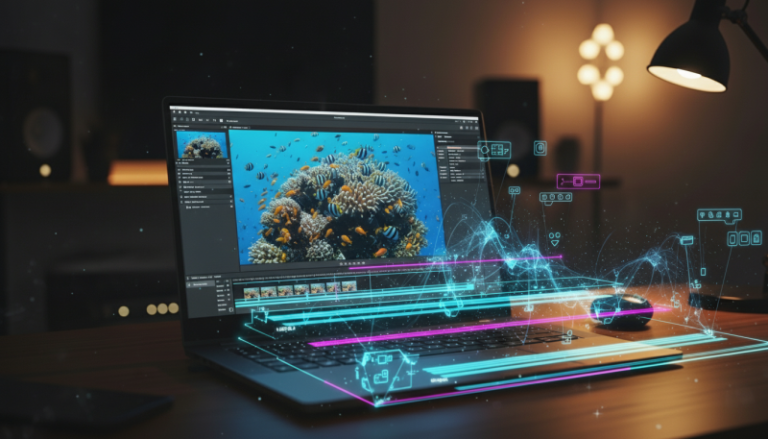
Time is the only currency that matters. Leonardo provides a professional-grade UI that allows for Canvas editing, Image-to-Image references, and Motion, all in one dashboard. You aren’t just “making art”; you’re building a content library.
Getting Started: From Zero to Asset
Stop overthinking. Follow this workflow to ship your first project before your coffee gets cold.
1. Choose Your Engine
Don’t just pick the first model you see. For faceless creators, the model is your foundation:
- PhotoReal: Use this for hyper-realistic humans or cinematic b-roll.
- Leonardo Vision XL: The workhorse for high-contrast, professional photography.
- AlbedoBase XL: Perfect for stylized graphics or digital art styles that pop on a YouTube thumbnail.
2. The “Structure First” Prompting Method
Ignore the “expert” prompts that are 400 words long. They confuse the AI. Use this structure instead:
[Subject] + [Action/Setting] + [Lighting/Mood] + [Style/Lens]
Example: “A high-tech workspace with a minimalist desk, neon blue accent lighting, cinematic depth of field, 8k resolution.”
3. Setting the Parameters
On the left sidebar, set your aspect ratio immediately.
- 16:9 for YouTube and Blogs.
- 9:16 for Shorts, Reels, and TikTok.
Pro Tip: Turn on Negative Prompts. Tell the AI what you don’t want—blurry edges, extra fingers, or distorted text. It’s the fastest way to increase your hit rate.
Your First Project in Minutes
Let’s build a “Cyberpunk Finance” thumbnail asset.
- Open Leonardo AI
- Select Leonardo Diffusion XL
- Toggle “Image Guidance” if you have a specific composition in mind from a reference photo.
Enter the Prompt: “Close up of a robotic hand holding a glowing gold bitcoin, dark moody office, sharp focus, ray tracing.” - Hit Generate
You’ll get four variations. Pick the best one, use the Upscale tool to sharpen the resolution, and you’re done.
The Verdict: Is It Worth Your Time? Yes!
Leonardo AI is currently the most balanced tool for faceless creators. It offers more control than DALL-E 3 and a much better workflow than Midjourney. If you’re serious about scaling an anonymous brand, you need a tool that treats image generation like a production line, not a lottery.
Stop scrolling and start generating. The “perfect” prompt doesn’t exist—only the one you actually hit ‘enter’ on.