Murf.ai: Your AI Voiceover Game Changer!
Discover how Murf.ai empowers faceless creators to produce high-quality, engaging content with human-like AI voices.
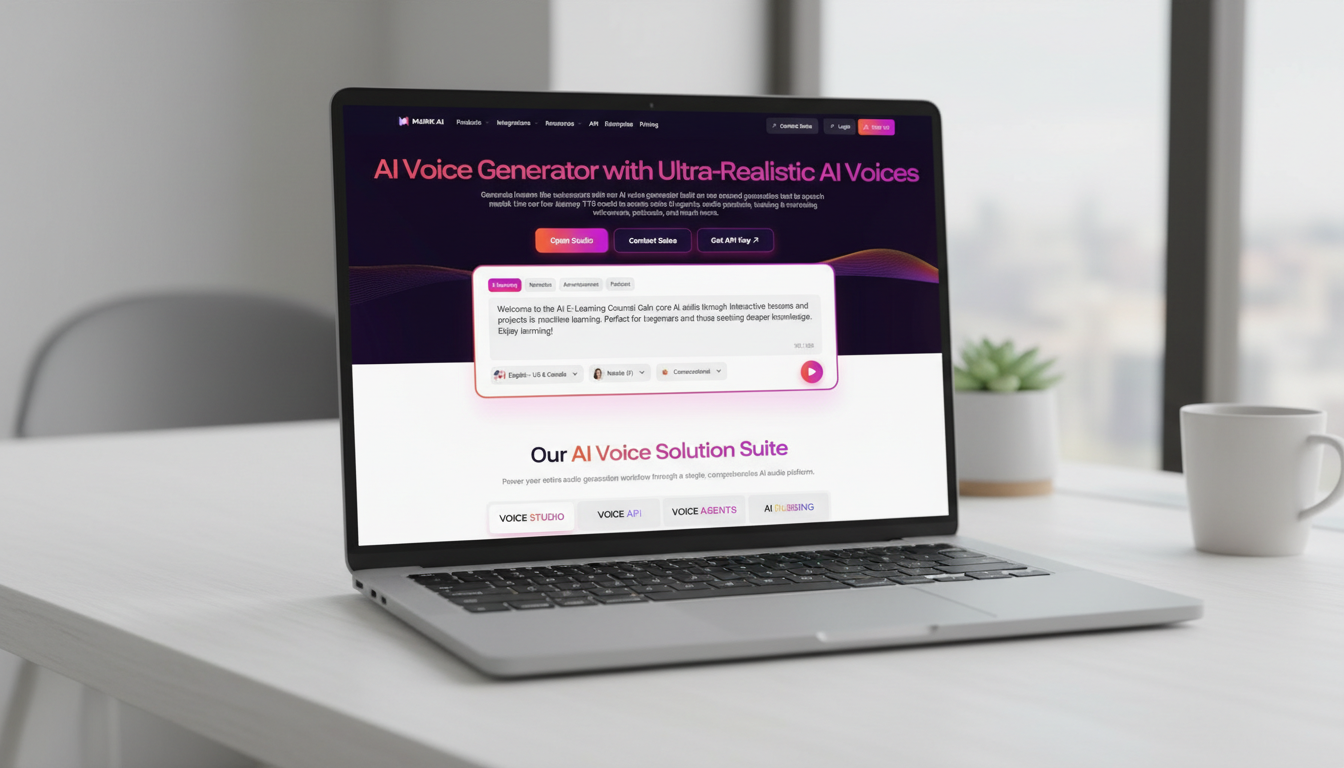
Ever stare at a blank video editor, dreading the thought of recording your own voice? Or maybe you’ve spent hours trying to find the perfect royalty-free voiceover artist, only to be disappointed by the results? What if I told you there’s a tool that makes professional-sounding voiceovers as simple as typing? No more expensive studio time, no more awkward retakes, and certainly no more generic robotic voices. Welcome to the world of Murf.ai!
Why Murf.ai is a Must-Have for Faceless Content Creators
Faceless content thrives on compelling visuals and engaging audio. While visuals can be sourced from stock libraries or creative commons, the audio often presents a significant hurdle. Murf.ai solves this by offering:
- Global reach: With voices in multiple languages and accents, you can easily localize your content for a wider audience.
- Human-like AI voices: Gone are the days of robotic-sounding text-to-speech. Murf.ai boasts a vast library of natural-sounding voices that can convey emotion and nuance.
- Time and cost efficiency: Forget hiring voice actors or investing in expensive recording equipment. Murf.ai delivers professional voiceovers in minutes, saving you both time and money.
- Consistency: Maintain a consistent brand voice across all your content, regardless of who’s “speaking.”
Getting Started with Your First Murf.ai Project
Ready to dive in? Here’s a step-by-step guide to creating your first voiceover with Murf.ai:
Step 1: Sign Up and Log In to Murf.ai
First things first, head over to the Murf.ai website and sign up for an account. They offer a free trial, so you can explore the features before committing. Once registered, log in to your dashboard.
Step 2: Create a New Project
Upon logging in, you’ll see a “Create Project” or “New Project” button. Click it to start your voiceover journey. You’ll be prompted to name your project and choose its type (e.g., “Video,” “Presentation,” “Audio”).
Step 3: Enter Your Script
Now for the fun part! Type or paste your script into the text editor. Break your script into smaller paragraphs or sentences to make it easier to manage and fine-tune later.
Step 4: Choose Your AI Voice
This is where Murf.ai truly shines. On the left sidebar, you’ll see options to select your AI voice. Browse through the extensive library, filtering by gender, age, language, and even accent. You can preview each voice to find the perfect match for your content’s tone and style.
- Pro Tip: For explainer videos, consider a clear, authoritative voice. For storytelling, a more expressive and engaging voice might be better.
Step 5: Customize and Refine Your Voiceover
Murf.ai offers powerful customization options to make your voiceover sound even more natural:
- Pacing and Pitch: Adjust the speed and pitch of the voice to match your desired delivery.
- Emphasis: Highlight specific words or phrases to add emphasis.
- Pauses: Insert pauses to create natural breaks and improve readability.
- Pronunciation: If a word isn’t pronounced correctly, you can manually adjust its pronunciation.
Step 5: Customize and Refine Your Voiceover
Murf.ai offers powerful customization options to make your voiceover sound even more natural:
- Pacing and Pitch: Adjust the speed and pitch of the voice to match your desired delivery.
- Emphasis: Highlight specific words or phrases to add emphasis.
- Pauses: Insert pauses to create natural breaks and improve readability.
- Pronunciation: If a word isn’t pronounced correctly, you can manually adjust its pronunciation.
Murf.ai Pricing Plans
Murf.ai offers flexible pricing to suit various needs, from individual creators to large teams. While specific plans and features can change, here’s a general overview of what you can expect (always check the official Murf.ai pricing page for the most up-to-date information):
- Free Plan: A great way to test the waters with limited voice generation minutes and features.
- Creator Plan: Ideal for individual creators, offering more minutes, access to a wider range of voices, and commercial usage rights.
- Business Plan: Designed for professional content creators and small teams, providing even more minutes, advanced features, and priority support.
- Enterprise Plan: Customizable solutions for larger organizations with specific requirements.
For detailed information on current pricing and features, visit the official Murf.ai/pricing page.
Unleash Your Creativity with Murf.ai!
The world of faceless content is booming, and with Murf.ai, you have an incredibly powerful tool at your fingertips. No longer are professional voiceovers out of reach.
Embrace the simplicity, efficiency, and quality that Murf.ai offers, and let your creative vision come to life. Start experimenting today, and watch your faceless content soar to new heights! What will you create first?

Guided by a decade of expertise in digital marketing and operational systems, The Nexus architects automated frameworks that empower creators to build high-value assets with total anonymity.