
S.T.A.C.K. Framework: Streamline CapCut
Streamline CapCut editing with the S.T.A.C.K. framework. Use AI scripts and auto B-roll to build high-retention faceless videos fast.
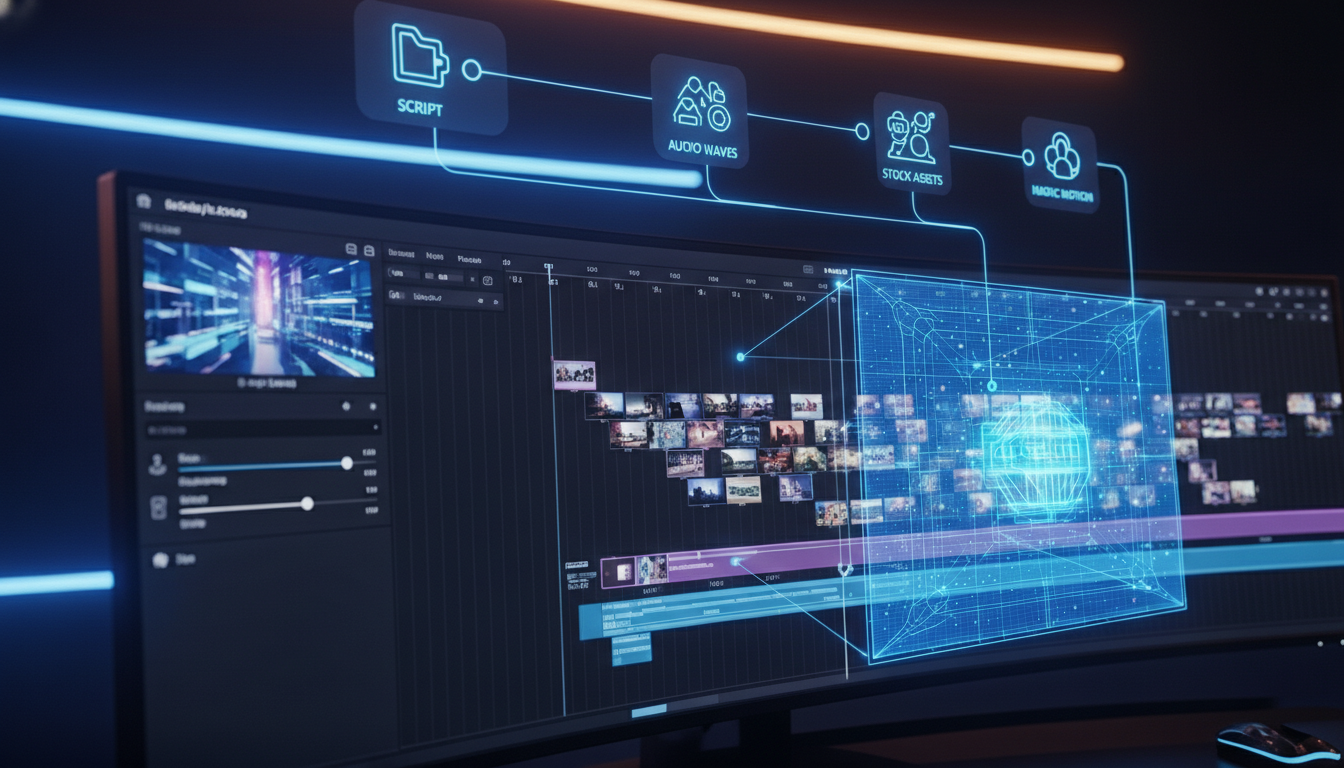
In the world of the Faceless Creator Economy, time is your most valuable asset. The appeal of a faceless channel is clear: anonymity, flexibility, and the ability to scale without being camera-ready. But there is a trap many new creators fall into the “Editing Black Hole.”
You spend hours hunting for the perfect stock clip, tweaking transitions, and manually syncing subtitles, only to realize you’ve spent 12 hours on a video that might get 200 views.
To build a sustainable and scalable content flow you don’t need to be a better editor; you need a better system. Enter CapCut, the powerhouse tool that, when used with the S.T.A.C.K. Framework (Script, Tone, Assets, Captions, Kinetic movement), you can reduce your editing time by up to 60% while increasing viewer retention.
1. Script: The AI-First Foundation
Every viral faceless video begins with a script engineered for the algorithm. In 2026, CapCut’s AI Writer (powered by advanced LLMs) allows you to input a few keywords and generate a high-retention script in seconds.
- The Hook (0-5 seconds): Your script must address a pain point or curiosity immediately.
- The Meat: Deliver value in “snackable” sentences.
- The CTA: Guide the viewer to your website or next video.
Pro Tip: Use CapCut’s “Script to Video” feature to generate a rough draft of your timeline automatically based on the text.
2. Tone: Generating the Digital Persona
Since you aren’t on camera, your “voice” is your brand. CapCut’s Text-to-Speech library has expanded significantly, offering “ultra-human” voices that lack the robotic cadence of the past.
Emphasis: Use the “Voice Characters” and “Speech Filters” to add emotional depth or a specific “vibe” (like a deep, cinematic narrative for history channels).
Consistency: Pick one voice and stick to it across your series to build brand recognition.
3. Assets: Leveraging AI B-Roll and Stock
The biggest hurdle for faceless creators is sourcing visuals. The S.T.A.C.K. framework prioritizes AI-generated B-roll and CapCut’s built-in stock library.
- Auto-Matching: CapCut can now analyze your script and suggest relevant stock clips from its library.
- AI Images: For highly specific concepts (e.g., “a futuristic office in the year 2080”), use the built-in AI image generator to create custom assets that no one else has.
4. Captions: The Retention Engine
Statistics show that over 70% of viewers watch social media videos on mute. Auto-Captions are no longer optional, they are a requirement.
- Dynamic Styling: Use the “Auto-Highlight” feature to make key terms pop in a different color.
- Animation: Apply “Spring” or “Pop” animations to your text to keep the viewer’s eyes locked on the screen.
5. Kinetic Movement: Beating the “Scroll”
A static screen is a dead screen. The “Kinetic” phase of the framework involves adding micro-motions.
- Keyframes: Use keyframes to create slow zooms on static images.
- Transitions: Avoid “flashy” transitions unless they serve the story. Stick to “Pull In” or “Blur” for a professional feel.
- SFX (Sound Effects): Layer “Whoosh” or “Pop” sounds whenever text or a new image appears. This reinforces the visual change with an auditory cue.
Use Case: Meet Marcus and the “Daily Tech Fact” Channel
To see how the S.T.A.C.K. framework works in the real world, let’s look at Marcus, a hypothetical creator running a faceless tech news brand online.
The Scenario: Marcus works a 9-to-5 job and has limited time. He needs to produce a high-quality 60-second “Short” about a new AI breakthrough before his lunch break ends.
- Script: Marcus inputs “2026 AI wearable trends” into CapCut’s AI Writer. Within seconds, it produces a script with a hook: “Your smartphone is officially obsolete.”
- Tone: He selects the “Confident Narrator” AI voice from the library. He adjusts the speed to 1.1x to give the audio a fast-paced, modern feel that matches the tech niche.
- Assets: Instead of hunting for clips manually, Marcus uses the “Script to Video” toggle. CapCut instantly pulls relevant stock clips of futuristic glasses and digital interfaces. He quickly swaps in a few of his own custom AI-generated images to give the video a unique brand identity.
- Captions: He hits “Auto-Captions,” selects his saved “Trend” template, and uses the Auto-Highlight tool to turn impact words like “Obsolete” and “Future” bright yellow.
- Kinetic Movement: To keep retention high, he adds a “Camera Shake” effect to the intro hook and drops a “Zoom In” keyframe on the final Call to Action.
The Result: Marcus has a professional, high-retention video produced in under 20 minutes, ready to upload before he even finishes his coffee.
Conclusion: Stop Overthinking, Start S.T.A.C.K.-ing
The “Faceless Creator Economy” is not about who has the best camera; it’s about who has the best workflow. By treating your video creation as a series of repeatable steps, you remove the creative friction that leads to inconsistency.
Don’t just read about the S.T.A.C.K. framework, implement it!
Here are three steps you can take in the next hour to revolutionize your production line:
- Build Your “Master” S.T.A.C.K. Template: Open CapCut Desktop right now. Create a new project that contains only your brand assets: your chosen font style (saved as a preset), your intro/outro, your standard background music (set to -25dB), and your logo. Save this project as “TEMPLATE_DO_NOT_TOUCH.” Next time, you won’t start from zero; you’ll start from step three.
- The 3-Script Sprint: Stop editing one video at a time. Use the AI Writer to generate three scripts in one sitting. Then, generate the audio (Tone) for all three. By batching the “S” and “T” of the framework, you enter a flow state that drastically reduces mental fatigue.
- The 30-Minute Time Attack: Challenge yourself. Pick one of those scripts and force yourself to apply the Assets, Captions, and Kinetics in under 30 minutes. Set a timer. The goal isn’t perfection; it’s velocity. You will be surprised at how high the quality remains even when you force yourself to move fast.
Embrace the future of high-velocity content creation. With CapCut as your intelligent editing powerhouse and the S.T.A.C.K. framework as your strategic blueprint, you have everything you need to unlock your full potential and captivate audiences like never before. In an era where consistency is king, these tools allow you to bypass the technical grind and focus on what truly matters: the story. Start editing smarter, not harder!

Guided by a decade of expertise in digital marketing and operational systems, The Nexus architects automated frameworks that empower creators to build high-value assets with total anonymity.
the big picture

Stop Thinking, Start Shipping: Your 20-Minute Faceless YouTube Blueprint
Most creators spend 90 days “researching” and zero hours uploading, here’s the ruthless 20-minute system to build a faceless YouTube channel that generates passive income while you sleep.