How to Create Consistent AI Characters for Your Brand
Learn the professional workflow for generating consistent AI characters to maintain brand identity across social media and digital marketing.
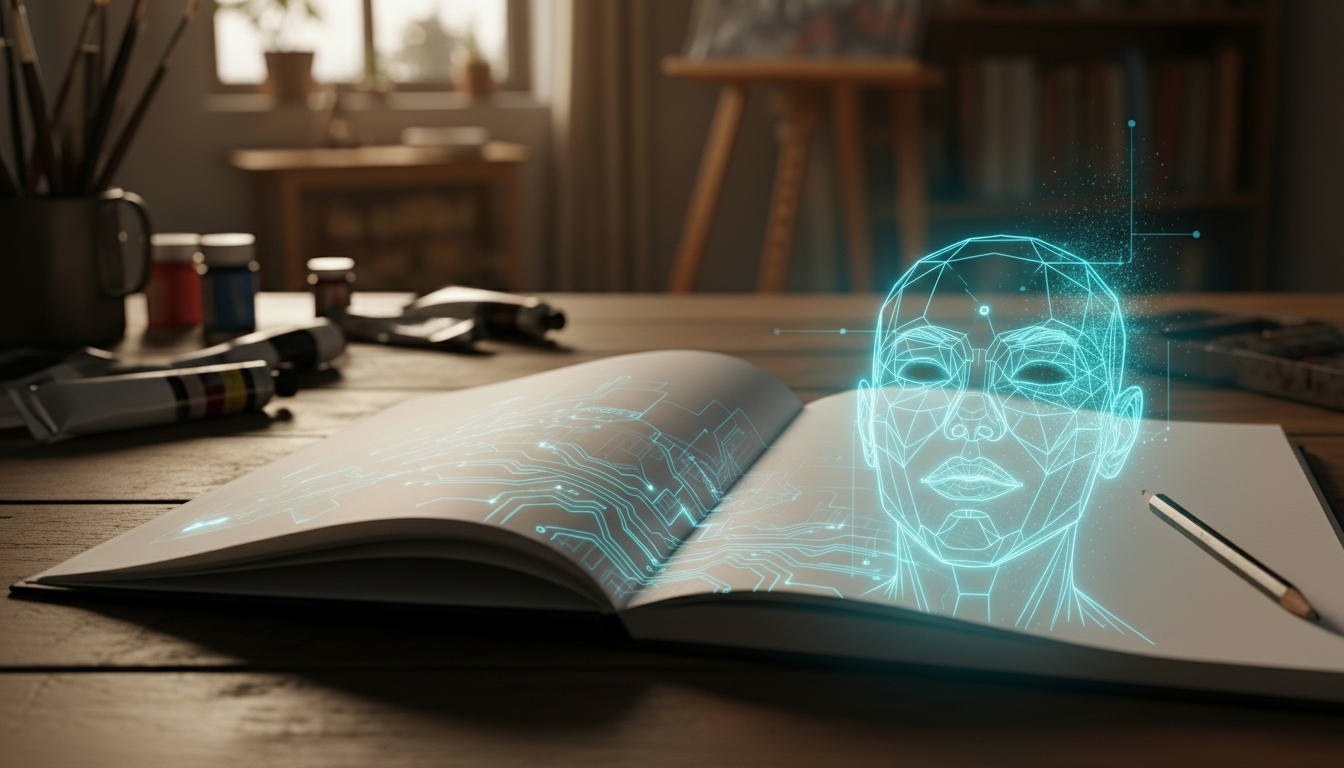
Achieving consistent ai characters is often the primary technical hurdle for creators looking to scale a faceless brand. While modern tools offer incredible fidelity, the randomness inherent in diffusion models frequently leads to character drift—slight variations in facial structure, hair texture, or proportions that break the immersion of a recurring digital persona.
Most practitioners begin with general character design ai platforms to find an initial aesthetic. However, transitioning from a single high-quality image to a reliable brand asset requires a structured methodology. This guide outlines the professional workflow for locking in character identity across diverse environments and poses.
Step 1: Defining the Character Seed
Before opening a generation tool, you must define the permanent traits of your character. This acts as your “source of truth.” In tools like Midjourney or Stable Diffusion, consistency starts with a highly descriptive prompt that avoids vague descriptors.
- Define Fixed Attributes: Specify eye color, hair style (e.g., “tapered undercut”), and specific facial features like a “prominent bridge on the nose” or “crows-feet wrinkles.”
- The Reference Image: Generate a high-resolution portrait against a neutral background. This image will serve as your primary visual reference for all subsequent generations.
Step 2: Utilizing Character Reference (CREF) Parameters
For creators using Midjourney, the –cref (Character Reference) parameter is the industry standard for maintaining identity. This feature allows the model to analyze the skeletal structure and facial features of your reference image and apply them to new prompts.
- Upload your reference image to Discord and copy the Link.
- Type your new prompt (e.g., “[Character] sitting in a coffee shop”).
- Add the parameter –cref [URL] at the end of the prompt.
- Adjust the –cw (Character Weight) parameter. A value of –cw 100 keeps the clothing and hair identical to the reference, while –cw 0 focuses strictly on the face, allowing you to change outfits.
Step 3: Implementing LoRA for Advanced Control
If you require professional-grade precision, Stable Diffusion offers a more robust solution through Low-Rank Adaptation (LoRA). While Midjourney is excellent for rapid iteration, LoRA allows you to train a small model specifically on your character.
- Dataset Collection: Curate 15-20 images of your character from different angles. Use the Remix tool or Inpainting to ensure these initial training images are as similar as possible.
- Training: Use a platform like Civitai or a local Kohya_ss installation to train the LoRA. This creates a specific file that, when activated, forces the AI to prioritize your character’s unique geometry.
- Deployment: When generating new content, select your character LoRA and set the weight (typically between 0.6 and 0.8) to maintain the likeness without distorting the overall image quality.
Step 4: Maintaining Environmental Consistency
A common mistake in character design ai is ignoring the lighting and background. A character will look different under neon lights than they do in natural sunlight. To ensure your consistent ai characters feel grounded, you must standardize your environmental prompts.
- Use Style References: Use the –sref parameter in conjunction with your character reference to lock in the color grading and lighting style.
- Standardized Lighting Prompts: Always include a specific lighting directive, such as “soft cinematic lighting” or “high-contrast studio photography,” to prevent skin tone shifts.
Step 5: Iterative Refinement and Inpainting
No AI model is perfect on the first generation. Professional workflows involve a final stage of manual refinement to fix minor inconsistencies.
- Identify Deviations: Check for shifts in eye color or small changes in hair length.
- Use Inpainting: Select the Vary Region or Inpaint tool. Highlight the inconsistent area and re-prompt specifically for that feature (e.g., “deep blue eyes”).
- Upscaling: Use a dedicated AI upscaler like Topaz Photo AI or Magnific to add a final layer of texture consistency that masks small generative artifacts.
The Verdict
Creating consistent ai characters is a balance of prompt engineering and technical parameter management. Midjourney provides the most accessible entry point for creators needing speed, while Stable Diffusion remains the superior choice for brands requiring absolute control through LoRAs. By following a structured workflow, from seed definition to final inpainting, you can build a digital persona that serves as a reliable, recognizable face for your brand.
Guided by a decade of expertise in digital marketing and operational systems, The Nexus architects automated frameworks that empower creators to build high-value assets with total anonymity.
the big picture
The Master Blueprint for Faceless AI Content: From Synthetic Art to High-Output Video
Architect your faceless brand with our ultimate roadmap. Master AI image generation, consistent characters, and cinematic video workflows.